Navigation: Administration > Setup > Configuration > Email Settings |
Access
Administration / Setup / Configuration / Email Settings
Explanation
ManuMax EM allows users to email purchase orders and work orders directly from within the program. Use these configuration settings to setup certain required data needed for emailing from ManuMax EM.
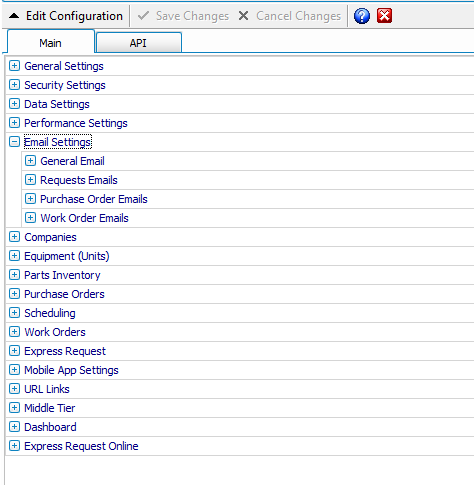
The sender of email will always default to the email account of the user logged into ManuMax EM. The recipient of the email will default to the vendor for purchase orders and the assigned employee for work orders. This screen declares the server and the login account on the that server to be used. In addition, uses can setup a list of default people to carbon copy, subject line and body text.